✨ What's New
This list includes all new major features implemented.
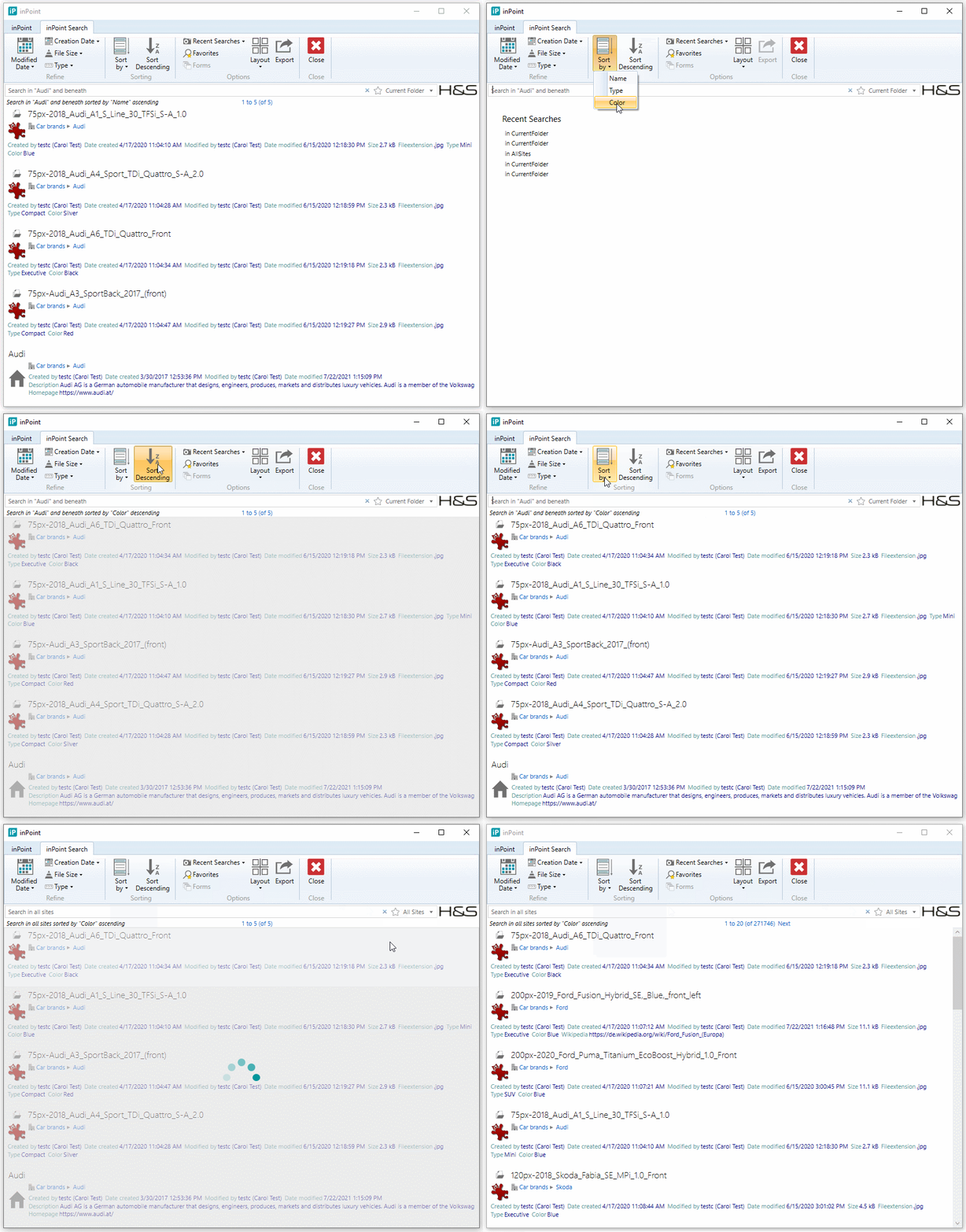
All Fulltext results can now be sorted
Internal: see TFS [#39445]
There is a new Setting called "Default Sort by" for the Admin and Global Site Administration Windows.
In this Setting multiple Common names can be configured (comma separated).
Based on the selected Search Scope the configured Common names are shown in the Client "inPoint Search" Ribbon bar, where the User can now always sort by Ascending/Descending the fulltext search.
Global Workflows can be started from any area
Internal: see OTRS [2018032701000034]
Internal: see TFS [#40046]
Global Workflows (not tied to a certain security) can now be started from any area (Global Site, My Site, Shared Site, Recycle Bin, Mailbox).
Browse links to inPoint.Web in Share/Reminder Emails
Internal: see TFS [#51425]
The E-Mails sent for Reminders and Shares can be configured in inPoint.Standalone.
Also the templates for calendar entries and the news feeds are configured in inPoint.Standalone.
Also the templates for calendar entries and the news feeds are configured in inPoint.Standalone.
These templates can contain some tokens which are described in the inPoint.Enterprise documentation in section Management / E-mail and Tokens
For the Web-Calendar (iCal), the following Tokens are available for Reminder and Share Emails:
- {breadCrumb}: Breadcrumb text
- {clientViewer}: Browse-ItemURI to the inPoint.Standalone-Client
- {webViewer}: URI to the inPoint.Web-Client
- {webViewerMini}: URI to the MiniView of the inPoint.Web-Client
Additionally, the old Tokens are still supported but should not be used anymore:
- {breadcrumbwebLink}: replaced by {webViewer}
- {breadcrumbwebminiLink}: replaced by {webViewerMini}
- {inPointClientViewerUri}: replaced by {clientViewer}
- {inPointWebViewerUri}: replaced by {webViewer}
New Field Format 'Link'
Internal: see OTRS [2021011801000012]
Internal: see TFS [#51486]
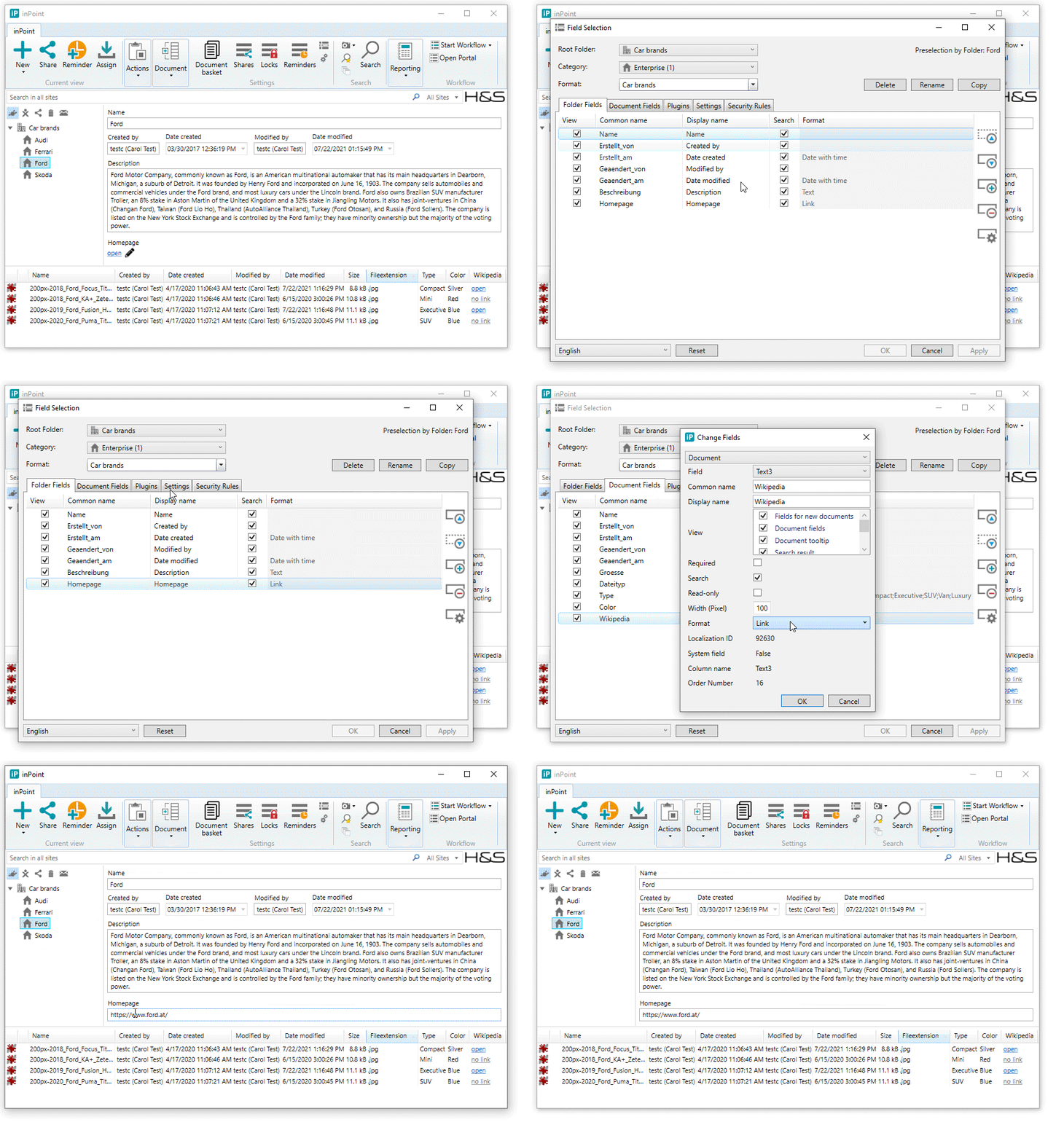
For all Text Fields in the Field Selection there is a new Format called "Link".